
Before You Start
- Make sure you have already set up Email Forwarding for your privacy inbox.
- Request access to Mine's Integration Builder, if you don't already have it.
Setting Up Email
- Login to your MineOS account and goto Settings -> Automations.
- Select Marketplace and search for Email to DSR Parsing - Errors to Email. There are two integrations, one will send the errors to an Email and the other to a configured Slack Webhook.
Note: The Slack integration is a similar configuration, you'll need to insert the generated webhook URL to the connection. See pictures in the bottom of this article.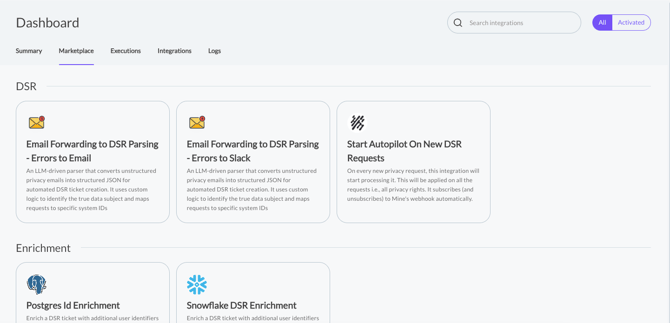
- Click Configure.
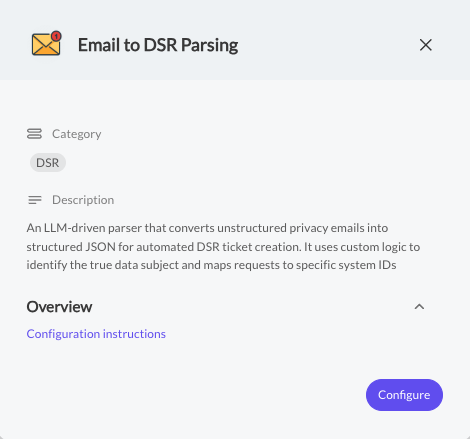
- Since Email structures will differ from one source to another, we pass this parameter as a default instruction to the LLM.
Disabled (Default) - means the model will prefer emails from the body of the email rather then the email sender for the new DSR. Better in cases where the email is forwarded from a 3rd party e.g.,
Hello,
...
Please delete all the personal information you store for:User name: John DoeEmail: John.doe@company.com
Enabled - The model will prefer the email sender as the primary email for the DSR. Better for cases where the email is forwarded directly from the client.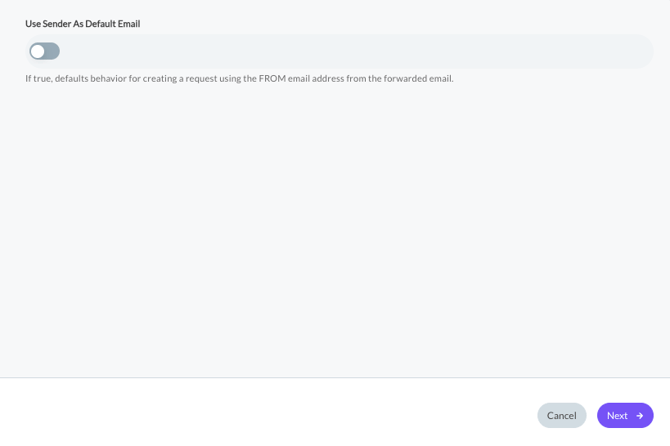
-
Right to IDs map maps right names to their internal IDs. If you have custom rights configured add them here so we can classify them.
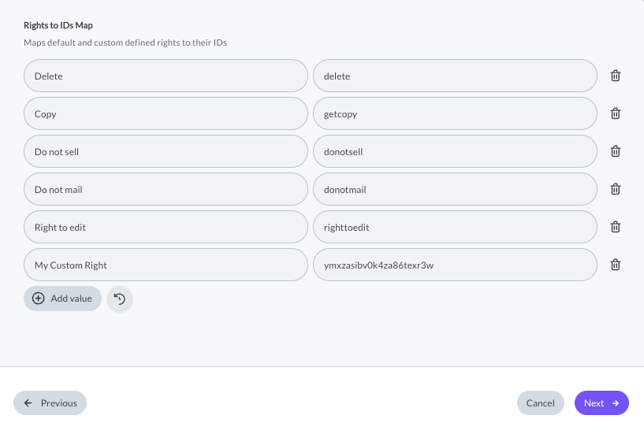
You can retrieve the ID from the url in the right's setting page: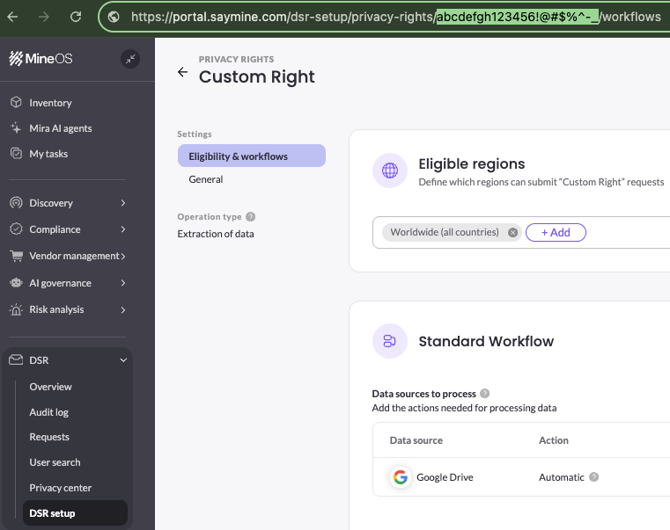
- In any error occurs in classifying the forwarded email into a structured DSR, the email recipient will get an email with the error that happened and a link to the ticket itself for manual decision (determine if it's a copy or delete or reject the ticket).
Click finish.
Error Examples:
- The forwarded ticket was not about data privacy.
- The ticket was lacking an email or the right itself was not inferred from it.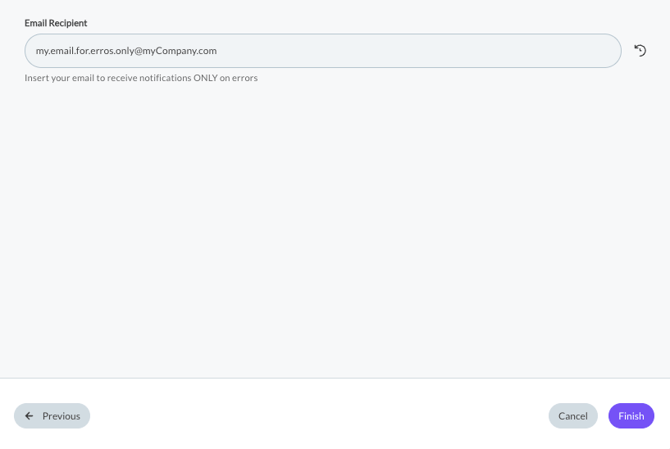
- You should see a Green checkmark noting the integration has been configured properly.
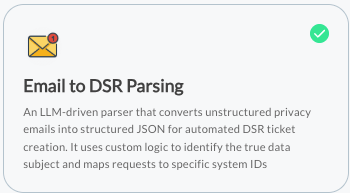
Configuring Errors to Slack integration:
- Click the edit button:
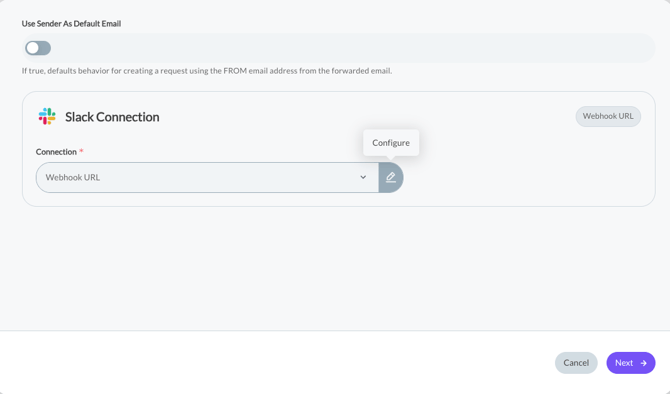
- Add the webhook URL and click Sign in:
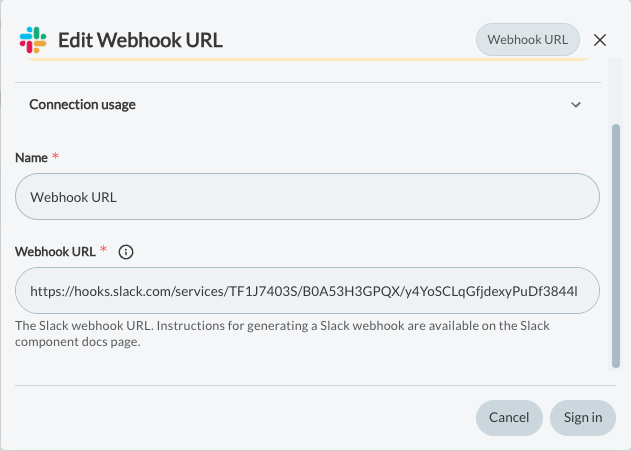
Then
FAQs:
-
Emails Requesting Multiple Rights
If a single email asks for two DSR rights (for example, 'please delete my data and send me a copy of my data'), MineOS will open one DSR for Copy only, for now. We want to avoiding deleting the requester's data in this case.
-
Feature Flag Requirement
Email forwarding and email parsing are available to accounts with the Integration builder enabled. If its not available, ask you Customer Success Manager to enable it.
How to Structure Your Privacy Request Emails
To ensure MineOS can correctly classify forwarded emails, the message should include:
-
The data subject’s full name
-
The email address the request refers to
-
A clear request type (e.g., delete, copy, unsubscribe, etc.)
-
The requester’s country (required). Defaults to US if not inferred.
-
The requester’s state or province (optional)
This information can appear anywhere in the email body or subject—MineOS will extract it automatically.