
By uploading internal documentation, you help Mira better understand:
- How your organization uses vendors
- Your security and privacy requirements
- Internal compliance rules
- Preferred configurations and restrictions
This helps generate answers that are more consistent, accurate, and aligned with your company’s actual practices — not just generic vendor information.
What kind of documents should I upload?
Upload documents that explain how your organization handles security, privacy, AI, vendors, or data governance.
Examples include:
- Security policies
- Privacy policies
- AI governance policies
- Data retention policies
- Incident response procedures
- Vendor management policies
- Access control policies
- Internal compliance guidelines
- DPAs or legal standards
- Internal security standards
The best documents are:
- Clear and up to date
- Organization-specific
- Focused on operational or compliance decisions
How it works
Once uploaded, Mira uses these documents as additional context for supported agents.
Policies help Mira:
- Generate more consistent answers
- Understand your organization’s preferred configurations
- Align responses with internal rules and requirements
- Use policies as supporting evidence when answering questions
Supported agents
- Assessment Autofill
- Vendor Scout
How policies are used
Policies help Mira understand:
- What your organization actually does
- Which vendor configurations your company chooses to use
- Internal restrictions and requirements
For example:
- A vendor may support both US and EU hosting
- Your internal policy may require US-only hosting
Mira will prioritize your organization’s policy when generating answers.
Where to upload policies
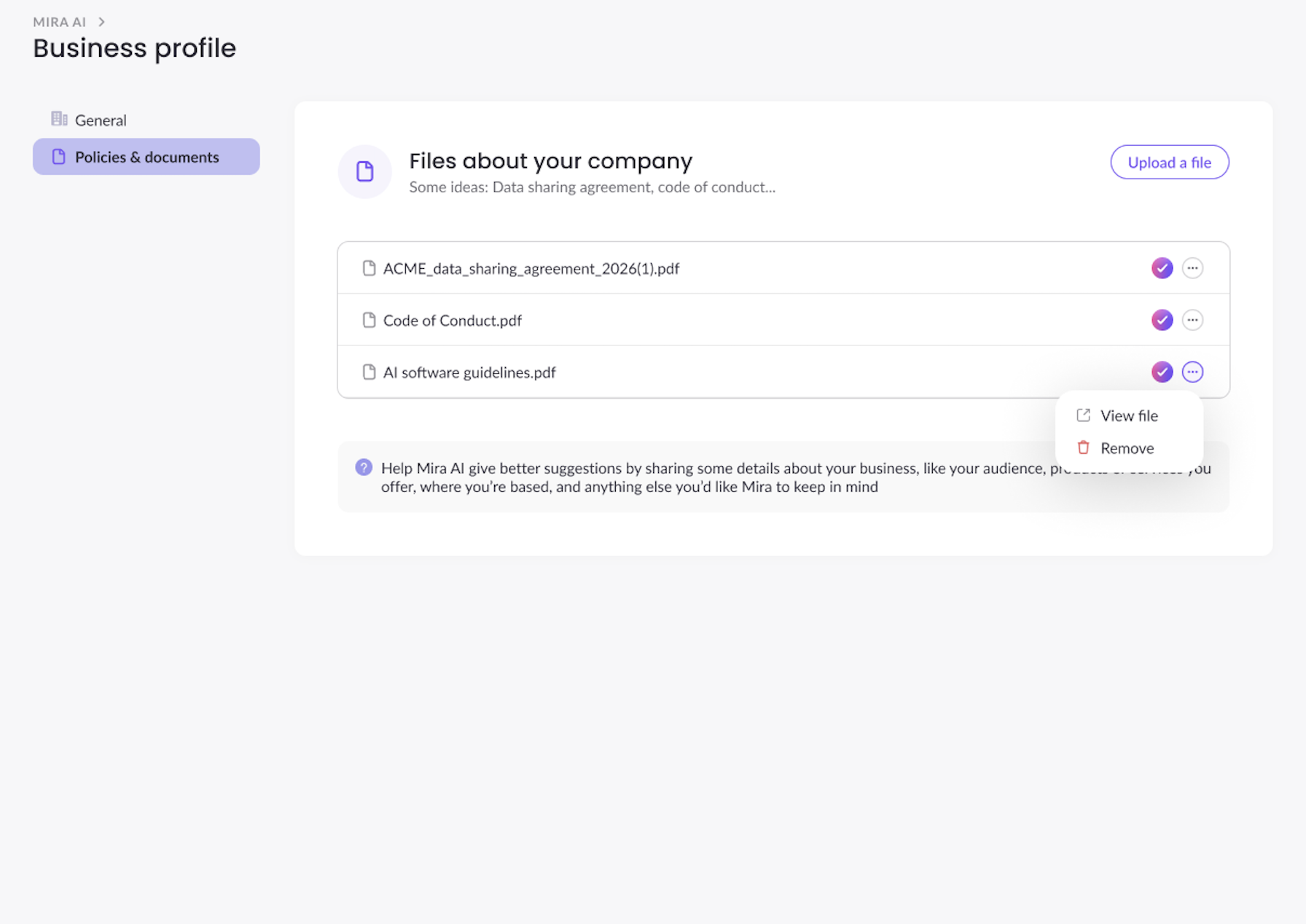
- Open Business Profile
- Go to Policies & documents
- Click Upload a file
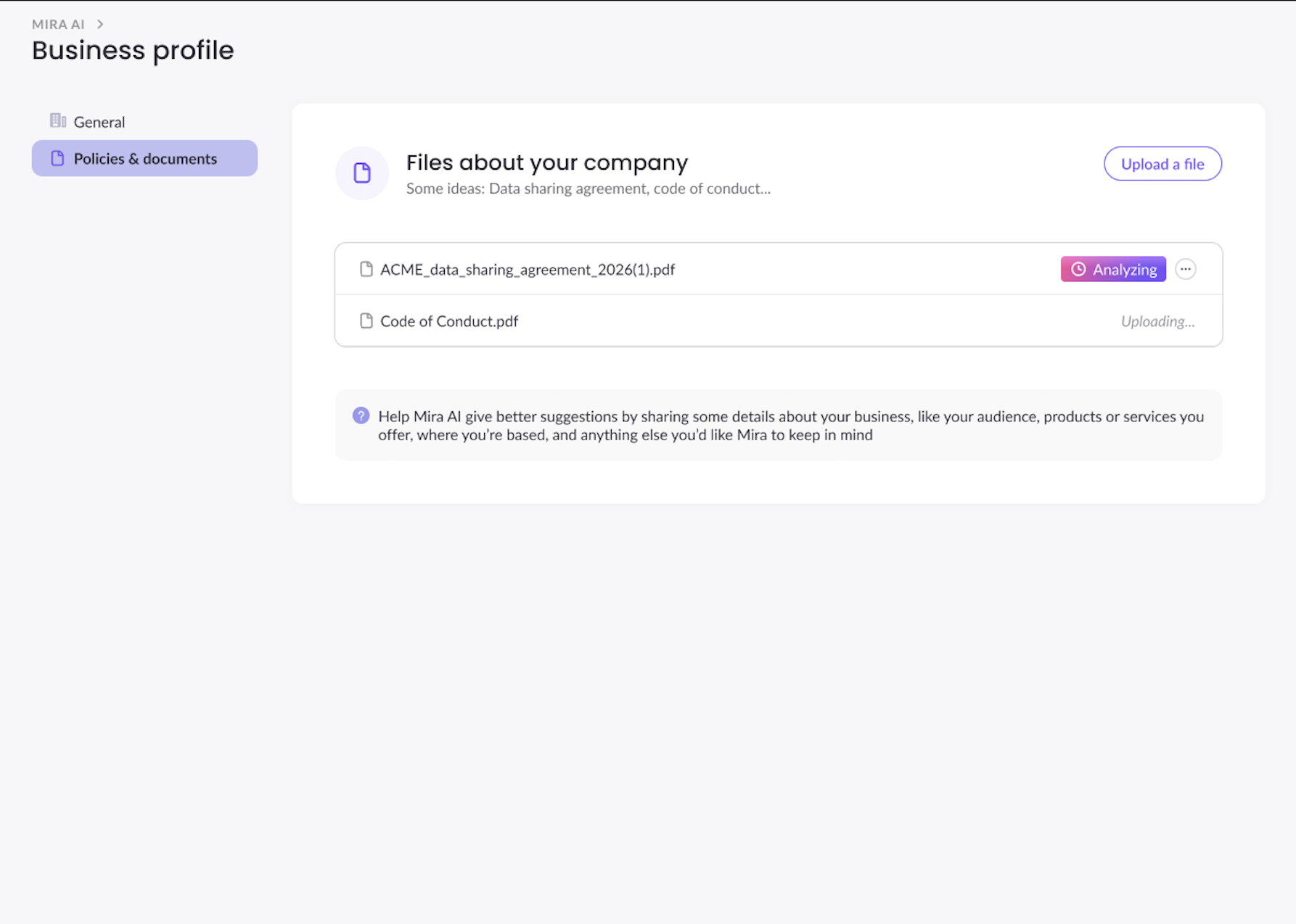
- Mira will start processing the documents
- Wait for Mira to complete before running any agents
Once processing finishes, uploaded files will appear in the document list.
You can also:
- View uploaded files
- Remove files
Examples
Example 1:
Vendor documentation states: The vendor supports both US and EU hosting.
Your company policy states: Our organization requires US-only data residency.
Mira generated answer: Customer data is stored in the United States, in accordance with the organization’s internal policy.
Example 2:
Vendor capability: The vendor allows AI model training.
Your company policy states: “Customer PII must not be used to train AI models.”
Mira generated answer: Customer personal data is not used to train AI models.