Before You Start
Ask your Customer Success Manager to setup your company's automation portal.To configure this Jira Issue integration in MineOS, you must be a Jira admin or have the necessary permissions to install apps within your organization.
Setting up
- Go to Settings > Automations > Marketplace.
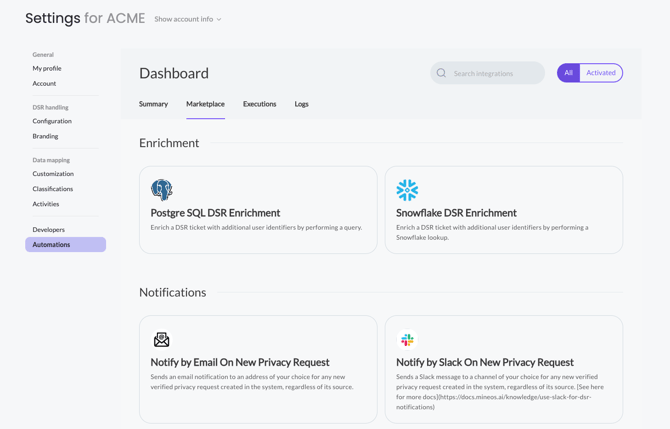
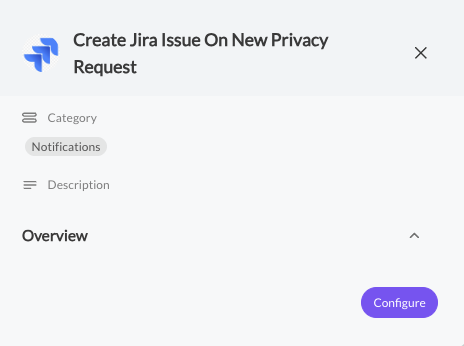
- Pick the "Create Jira Issue On New Privacy Request" integration and click Configure.
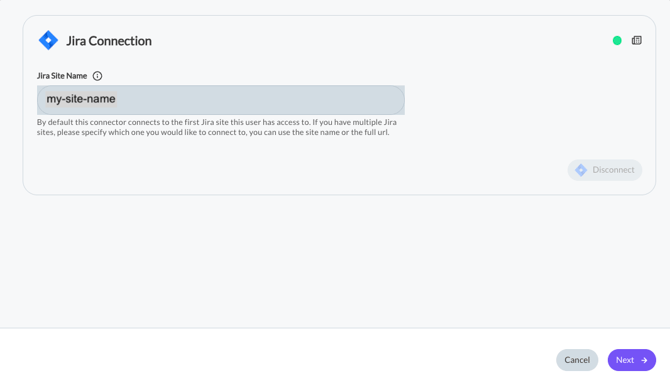
- Enter your Jira site name in the text box and click Connect
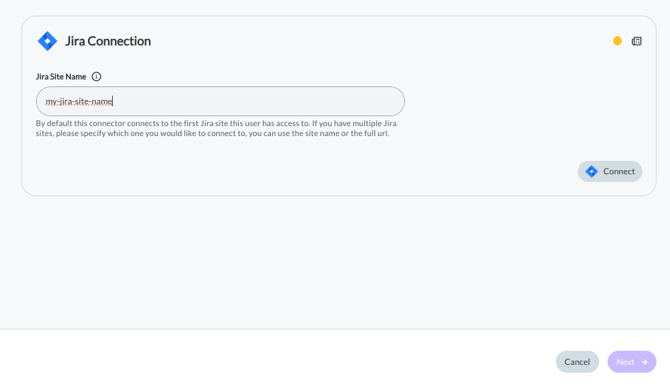
- A handshake will start and will look like this:
.webp?width=454&height=320&name=image-png-Jul-02-2023-11-42-40-3683-AM%20(1).webp)
- After the handshake finished successfully, you'll see a green indicator on the connection. Click next.
- Enter your relevant Jira Credentials: Project Id, Issue Summary, Custom values if needed to add to the ticket, Issue Type Id.
For more info on the Create Issue API please see this Atlassian article.
Note: If you have the yellow update button like here, it means there's a new version for our Marketplace integration.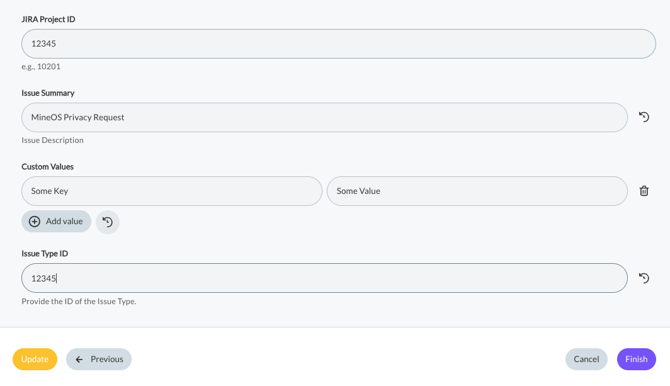
-
Click Finish and you're done 😊. Now this integration will look like this in the marketplace: